Private Room
Send a brochure to one person, see how it is read, close the door when you decide.
Request your free monthBeta · ten places

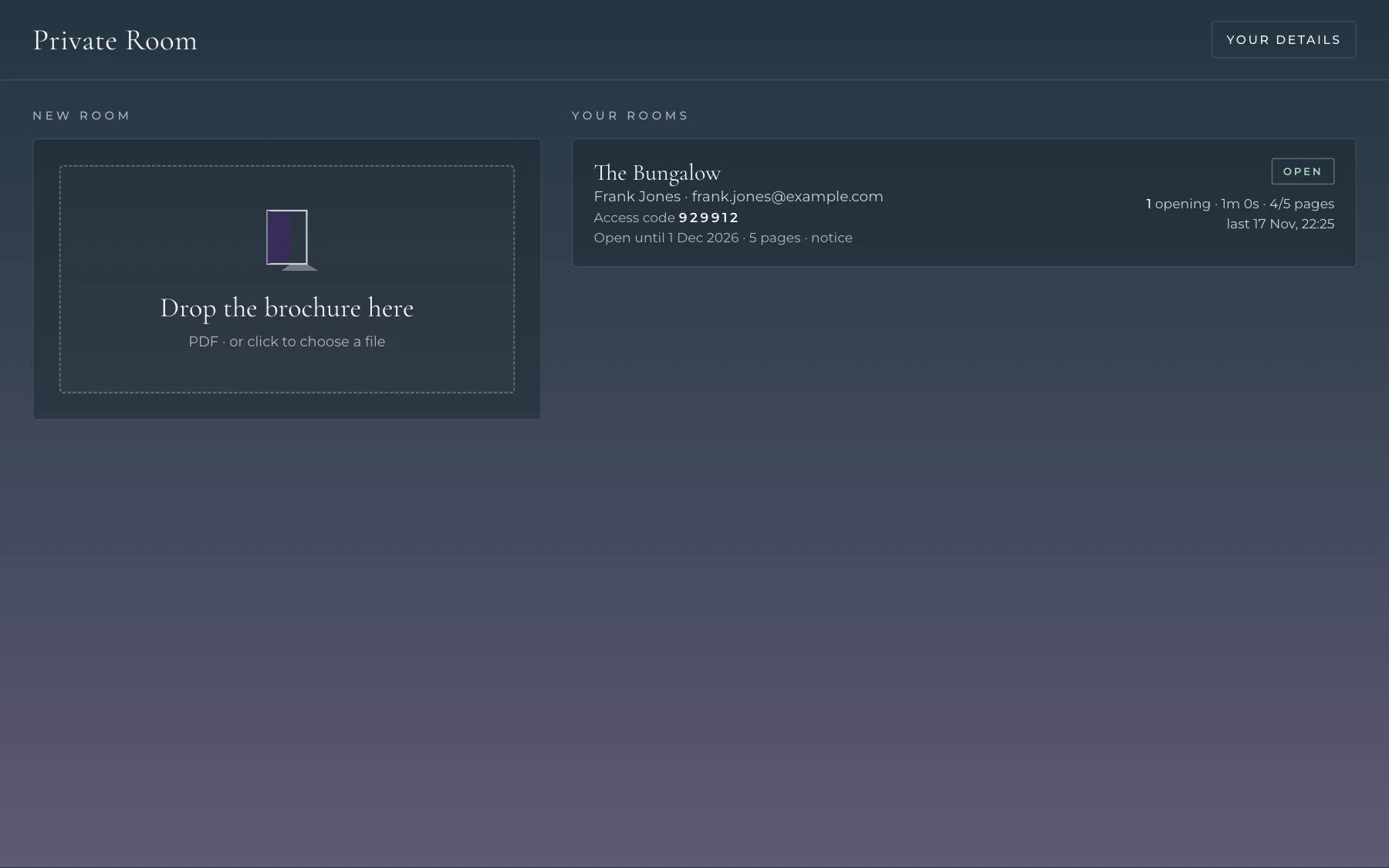
Drop
Drag your own brochure, a PDF, into the app on your Mac.
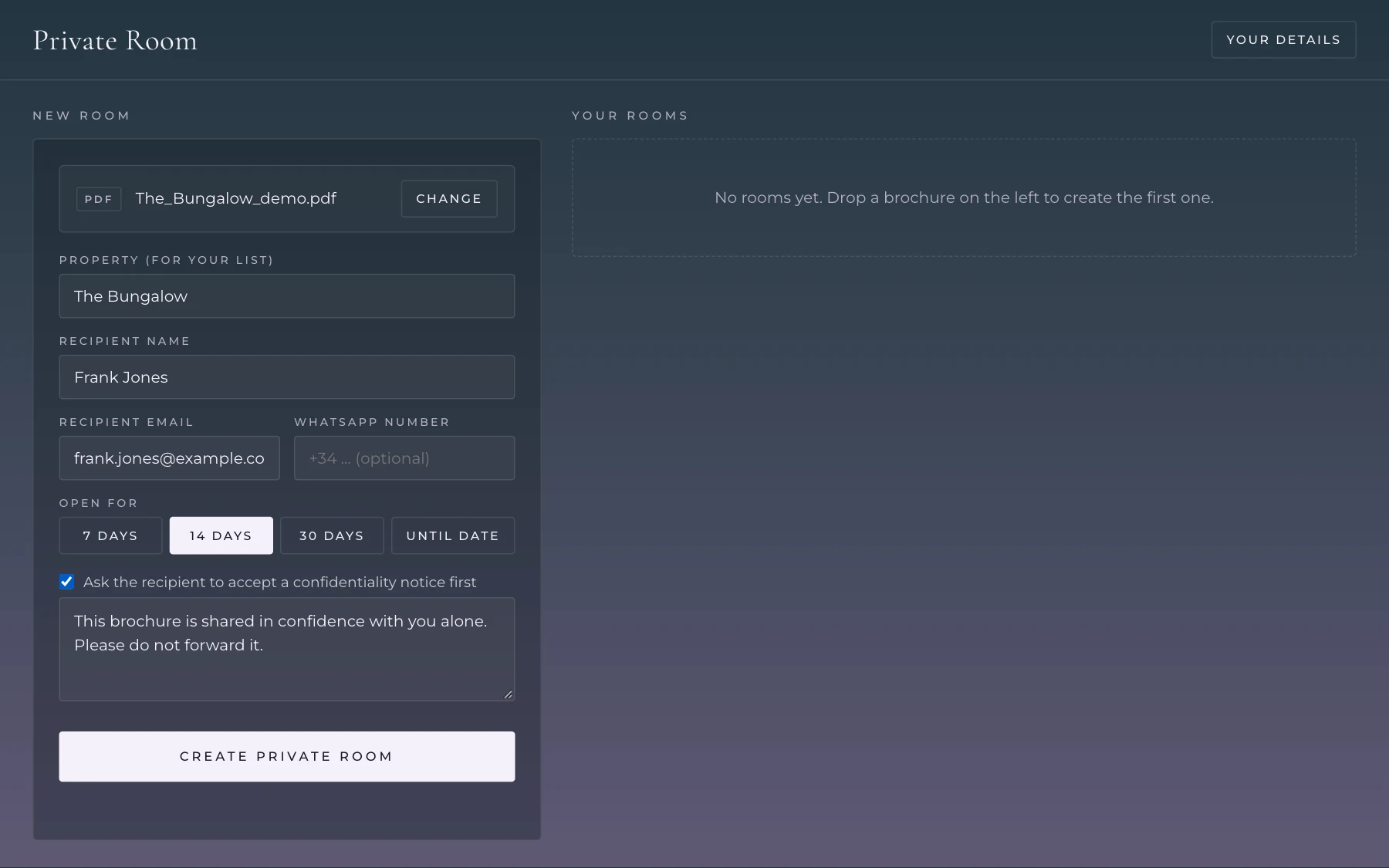
Address
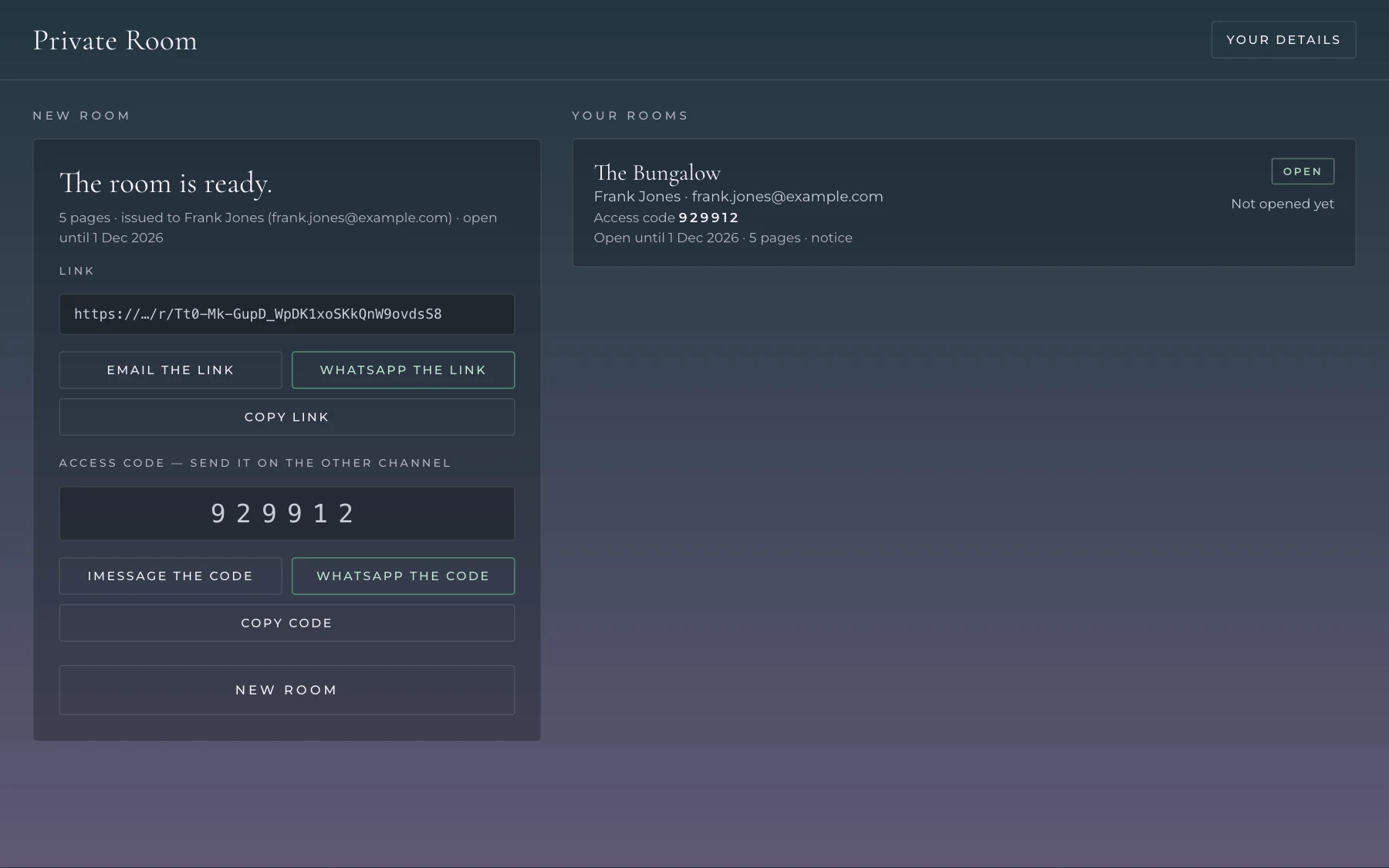
Name and email of the one person it is for. Choose how long the door stays open: 7, 14 or 30 days, or a date.
Send
The link by email, the access code by message. Two channels, one person.
Watch
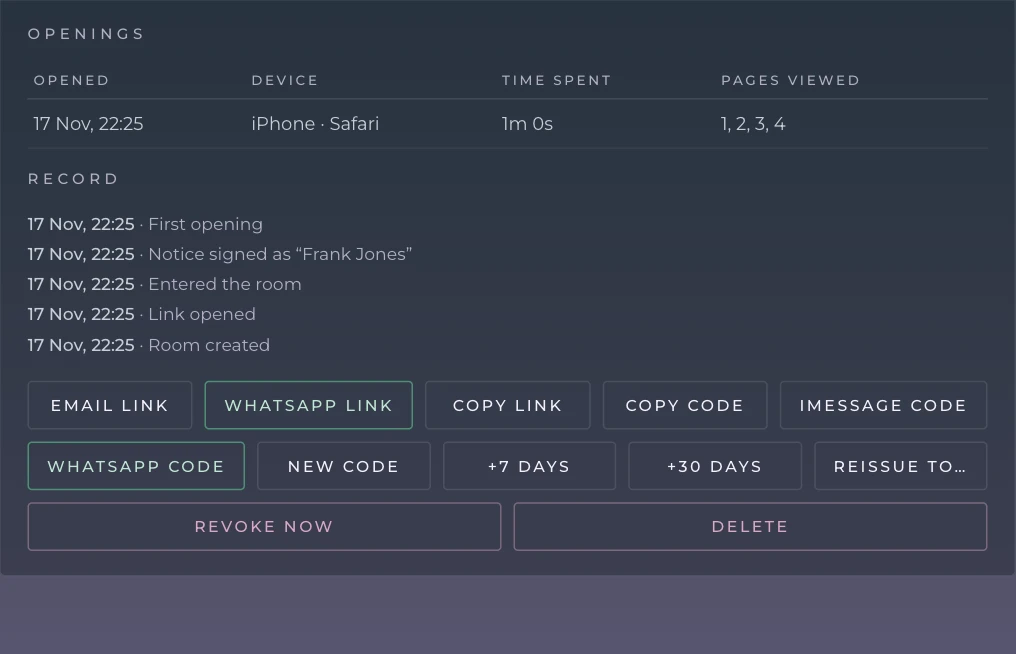
See when it was opened, for how long, which pages, and on which device.
Close the door
You stay in control after it has left your desk.
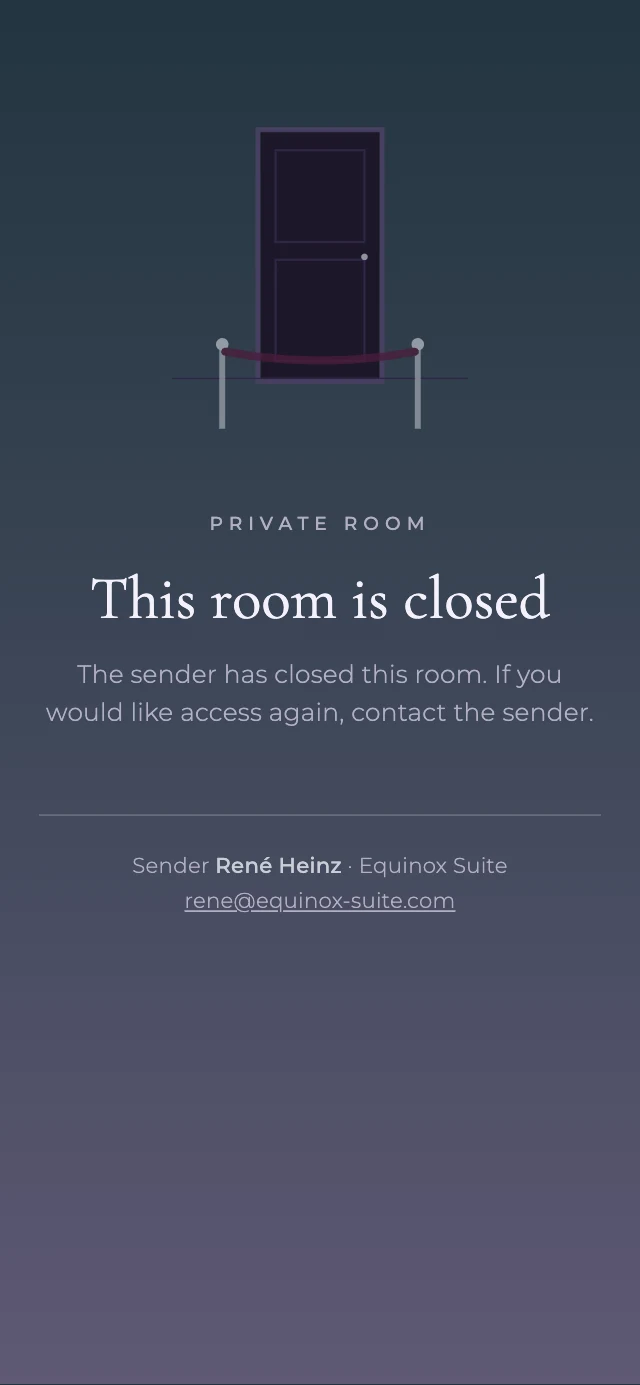
- Revoke — the door closes at once, even mid-read
- Extend — more days with one click
- New code — if you think it travelled
- Reissue — same brochure, new person, new room
- Delete — the room's pages, its key and its record are removed from the server
Developers and owners who send their own brochures are welcome too.
No app, no account.
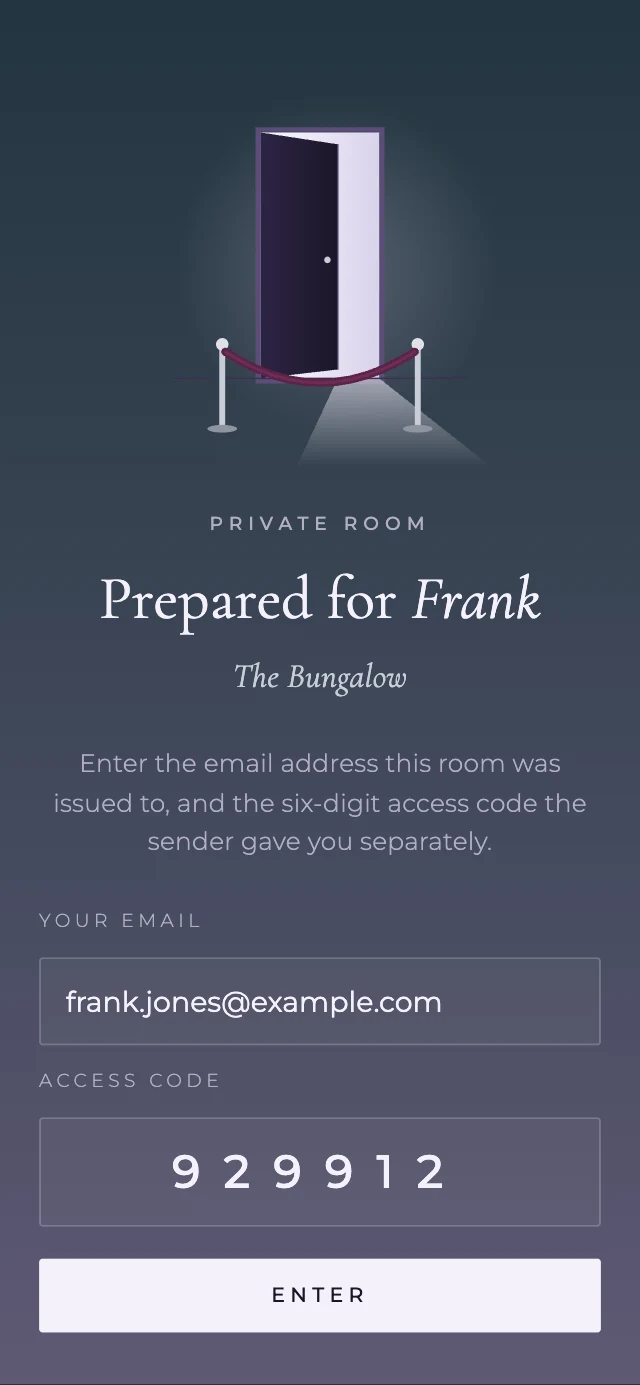
They open the link in any browser and enter their email with the access code.
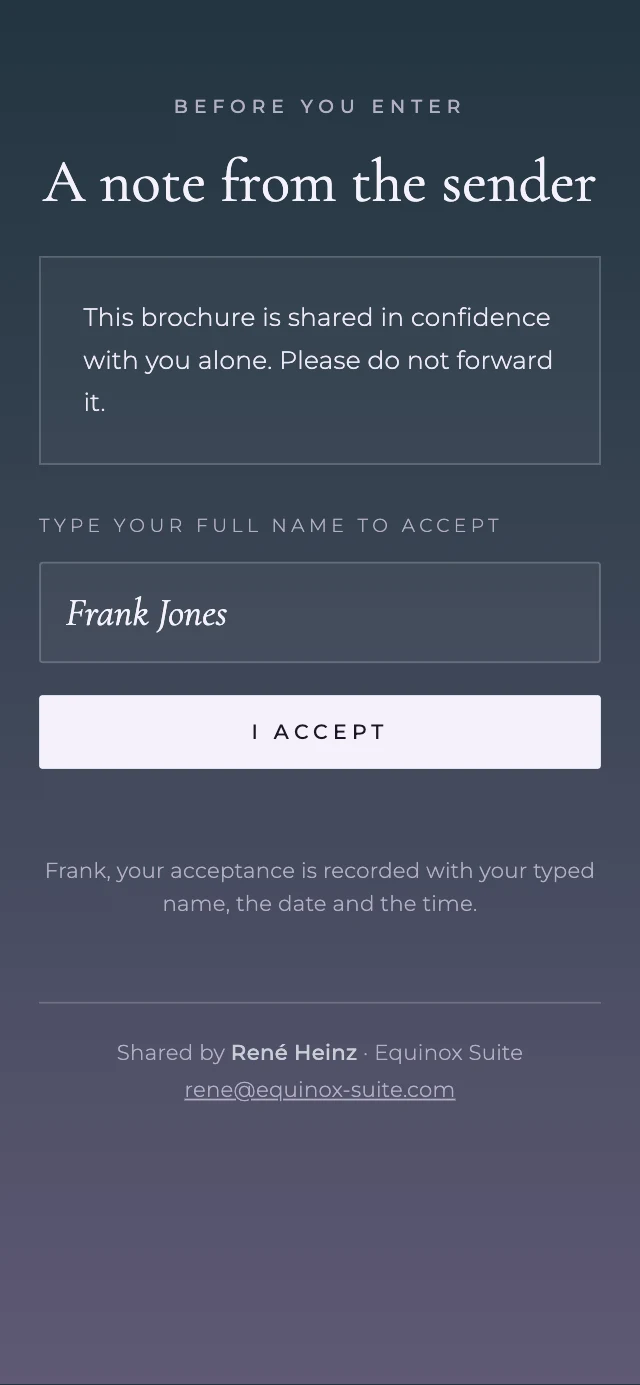
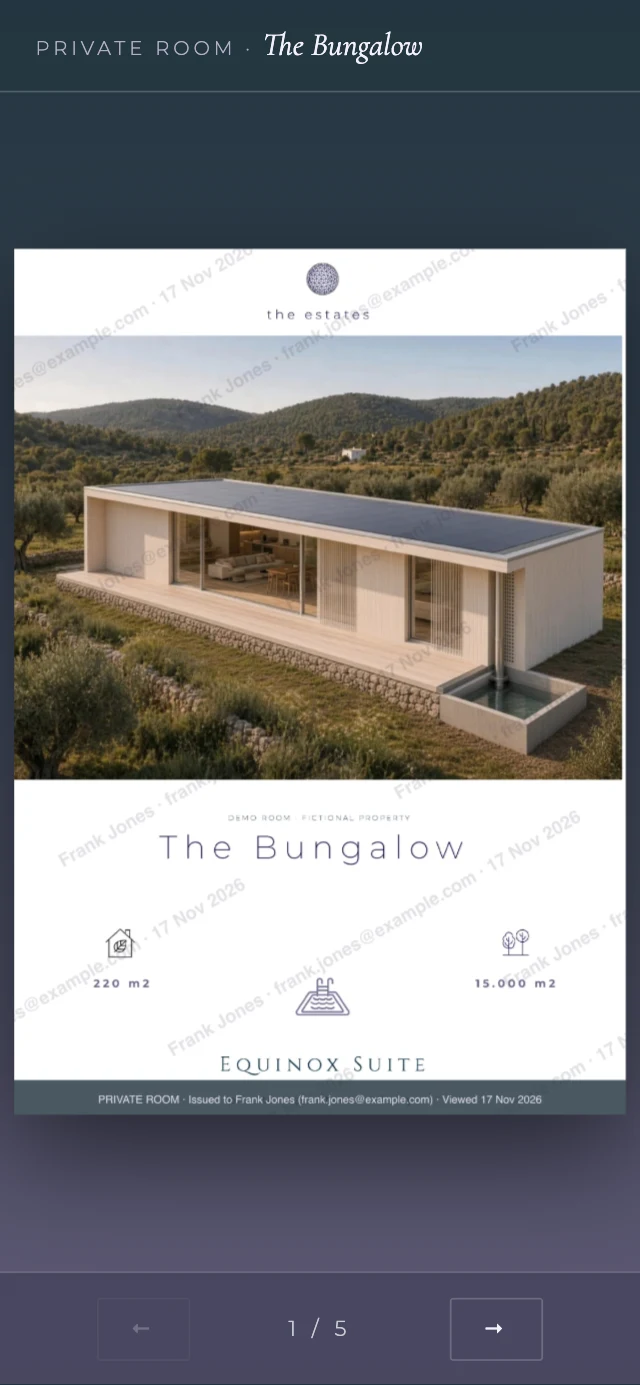
Nothing on a screen can stop a photograph of the screen. Private Room makes every page trace back to the person you sent it to, and lets you close the door when you decide.
What happens to the brochure.
- The PDF is turned into page images once, on upload. The PDF itself is not kept.
- Every room is encrypted at rest with AES-256-GCM, with a key of its own.
- Revoke closes the door at once. Pages stop loading, even mid-read.
- Delete removes the room's pages, its key and its record from the server.
Works on Mac, iPhone and Windows.
The beta is open to ten.
- Every feature, for one month
- Your own account and password
- In return: your honest feedback
No card required. Ten places.
Before you ask.
Does the recipient need an app or an account?
No. They open the link in any browser and enter their email with the access code you sent them separately.
Can the recipient download or print the brochure?
There is no download and no print button. Every page carries their name and the date. Nothing on a screen can stop a photograph of the screen; Private Room makes every page trace back to the person you sent it to.
What happens when I revoke a room?
The door closes at once, even mid-read.
What happens when I delete a room?
The room's pages, its key and its record are removed from the server.
Which devices does it run on?
You send from the app on Mac, iPhone or Windows. Recipients read in any current browser.
What do you ask of beta testers?
Use it on real work for a month and tell me plainly what to improve.
One property, one recipient, one door.
Ten places for the first month.
Request your free month